Interactive Presentation Design / Information Architecture / Tradeshow Experience
Revance Medical Affairs
A Website Built in PowerPoint.
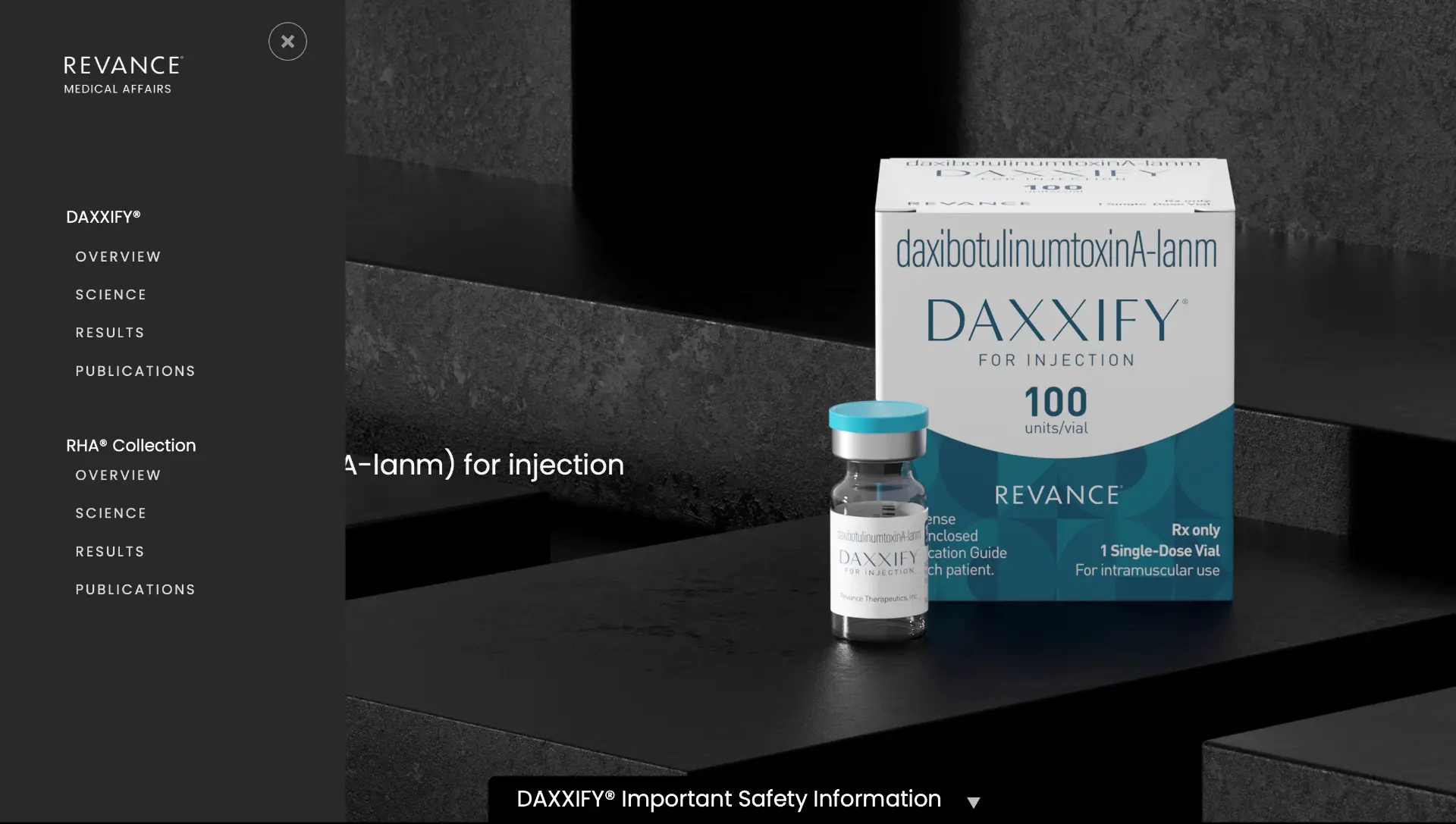
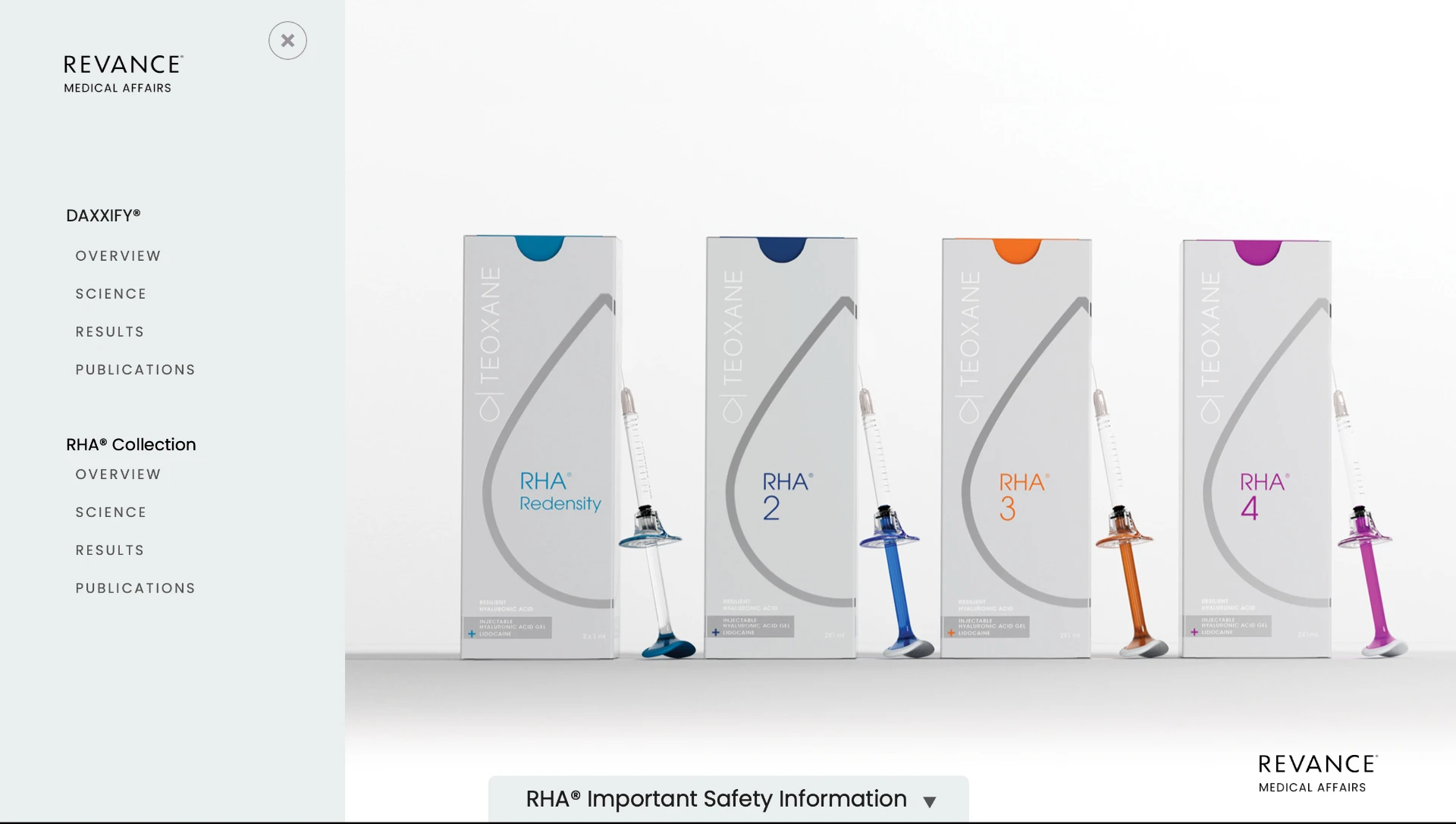
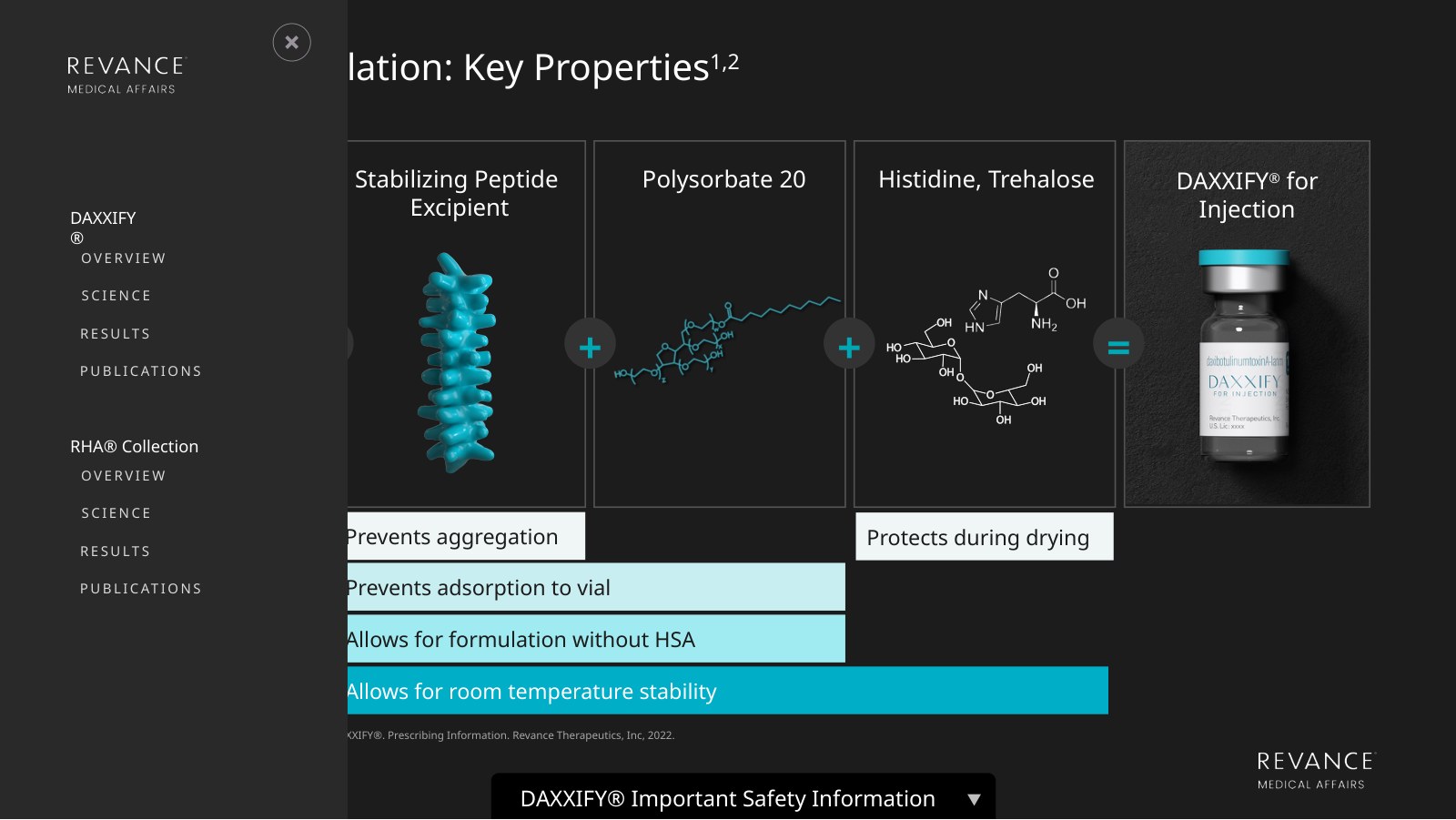
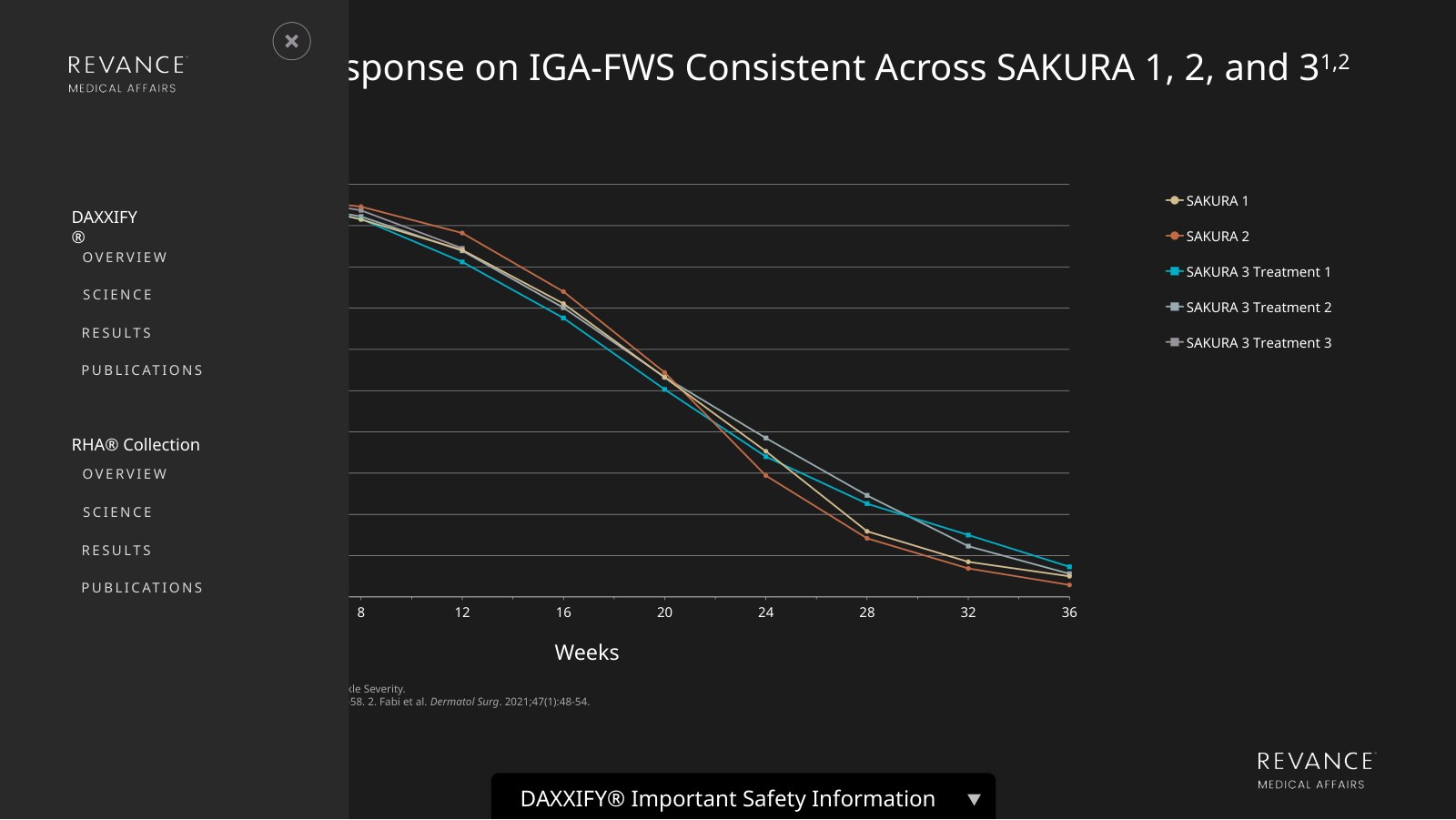
An interactive touchscreen presentation developed for a Revance Medical Affairs tradeshow experience, designed to make complex scientific and clinical information accessible through a website-like interface. Built entirely in PowerPoint, the experience allowed visitors to explore DAXXIFY® and the RHA® Collection through two distinct product pathways, using interactive menus and navigation controls to move between scientific information, clinical results, and publications.
- Interactive PowerPoint Development
- Touchscreen Experience Design
- Information Architecture
- Navigation & Interface Design

Selected stills from the original interactive presentation. Clinical content reflects the source material at the time of creation; this is a design portfolio, not medical guidance.
01 / The Challenge
Revance needed an interactive medical affairs experience for a tradeshow touchscreen.
The presentation had to accommodate substantial scientific and clinical information across two product portfolios while giving visitors the freedom to explore topics relevant to their interests.
A traditional slide-by-slide presentation wouldn't provide the flexibility needed for a self-directed, touchscreen experience.
02 / The Approach
I approached the project as an interactive interface rather than a conventional presentation.
The experience was organized around two entry points: DAXXIFY® and the RHA® Collection.
Each product followed a consistent information structure, allowing users to navigate between Overview, Science, Results, and Publications without moving through a predetermined slide sequence.
The goal was to make the interaction feel intuitive and familiar, much like navigating a website.
03 / The Navigation System
I built the interactive navigation entirely within PowerPoint.
A collapsible menu provided direct access to the different information categories, while persistent Home, Back, and Next controls supported movement throughout the experience.
The interface allowed users to jump between sections, return to the main product selection, and explore content in the order that made sense to them.
Product-specific safety information was also incorporated into the interface.
04 / The Visual Execution
The touchscreen experience combined product-specific visual identities with a consistent navigation system.
Large interactive targets, clear typography, product photography, and contrasting layouts helped make the interface approachable and visually cohesive.
The design needed to support both detailed medical information and quick navigation within a tradeshow environment.
Although it functioned like a website, the entire experience was developed in PowerPoint, using slide-based interactions to create a nonlinear user journey.
05 / The Result
A fully navigable, dual-product touchscreen experience built entirely in PowerPoint for use at a medical tradeshow.
The project demonstrates how presentation software can be used beyond traditional slide delivery to create interactive information experiences that support user-directed exploration.
Built in PowerPoint. Designed to behave like a website.


More work
- GrammarlyBuilding the story behind the sale.
- ToptalOne system. Every sales conversation.
- RHA® Advisory BoardMaking research visual.
- Gorilla SafetyBuilding the brand and the pitch.
- AboutableOne Brand. Every Touchpoint.
- Aetna MARCOMReporting, Built in Blocks.
- CVS SpecialtyTime Well Spent
- Aetna Prenatal KitThe Power of Being Seen
- Banner / AetnaAt the Corner of Easy and Simple
Available for select consulting + leadership roles